Zones
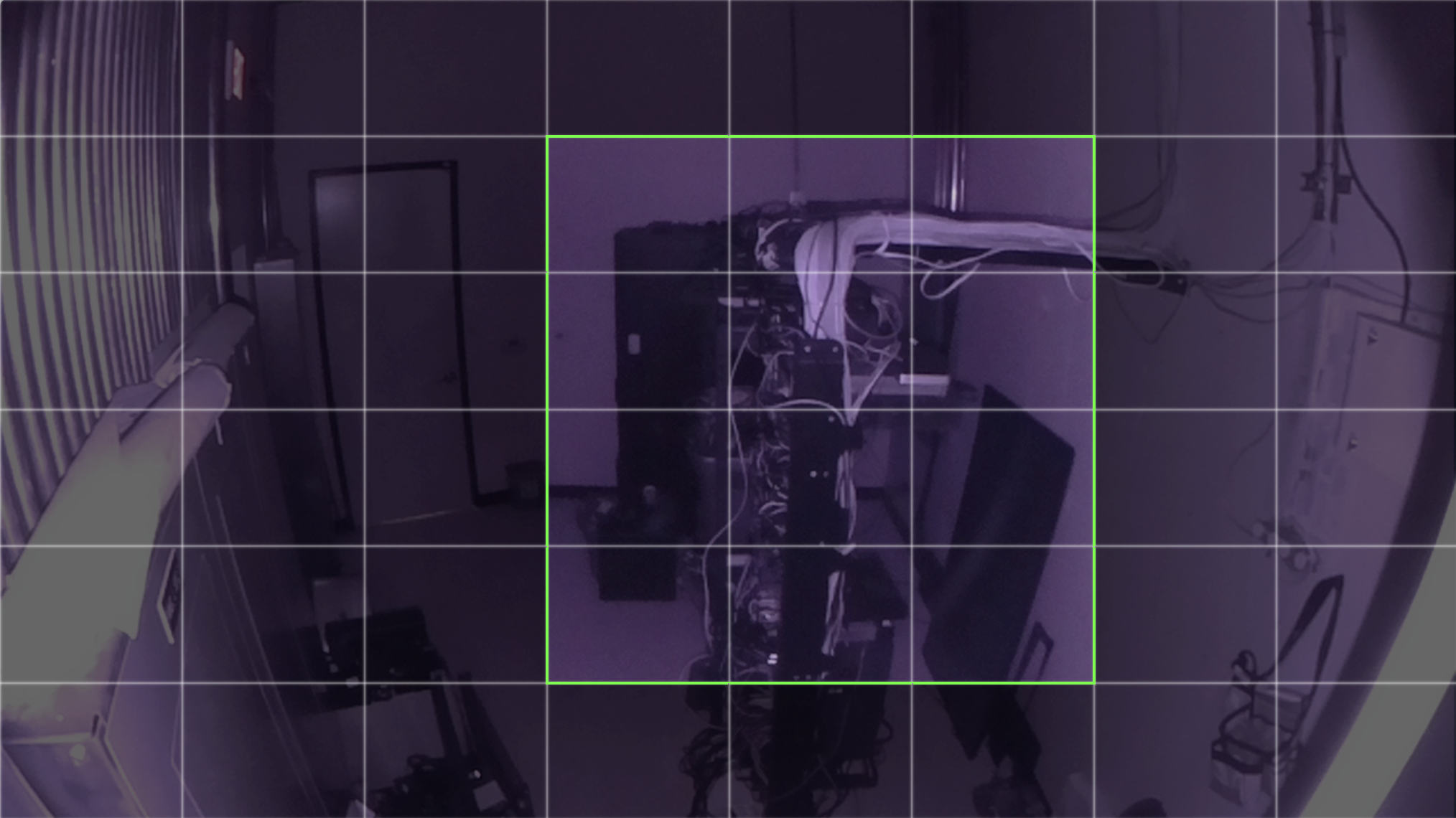
The Zones feature in Sentry provides powerful tools for tailoring motion detection and thermal alerting to meet your specific needs.
Why Use Zones?
Zones empower you to:
- Reduce distractions by eliminating alerts from irrelevant areas.
- Enhance focus on critical areas or assets.
- Streamline monitoring workflows for increased efficiency.
Whether you’re managing a data center or optimizing a data closet, Zones give you the precision and customization you need.
How to Set Up Zones
Accessing and configuring Zones is simple:
- Navigate to the location you want to customize.
- Open the location settings by selecting the gear icon.
- Explore the new menu options:
- Thermal Detection Zone: Define areas to exclude from or include in thermal monitoring.
- Thermal Tagging: Highlight specific objects for focused thermal alerting.
- Motion Detection Zone: Adjust which areas are monitored for motion activity.
Thermal Detection Zone

The Thermal Detection Zone menu allows you to include or exclude specific areas of your environment for thermal monitoring. To use it:
- Click individual cells to toggle their inclusion or exclusion.
- Click and drag to select or deselect multiple cells at once.
- Use the Select All and Select None options to quickly include or exclude all cells.
Note that cells included in a Thermal Tag cannot be excluded from the Thermal Detection Zone. This ensures coverage for areas you’ve identified as important.
Thermal Tagging
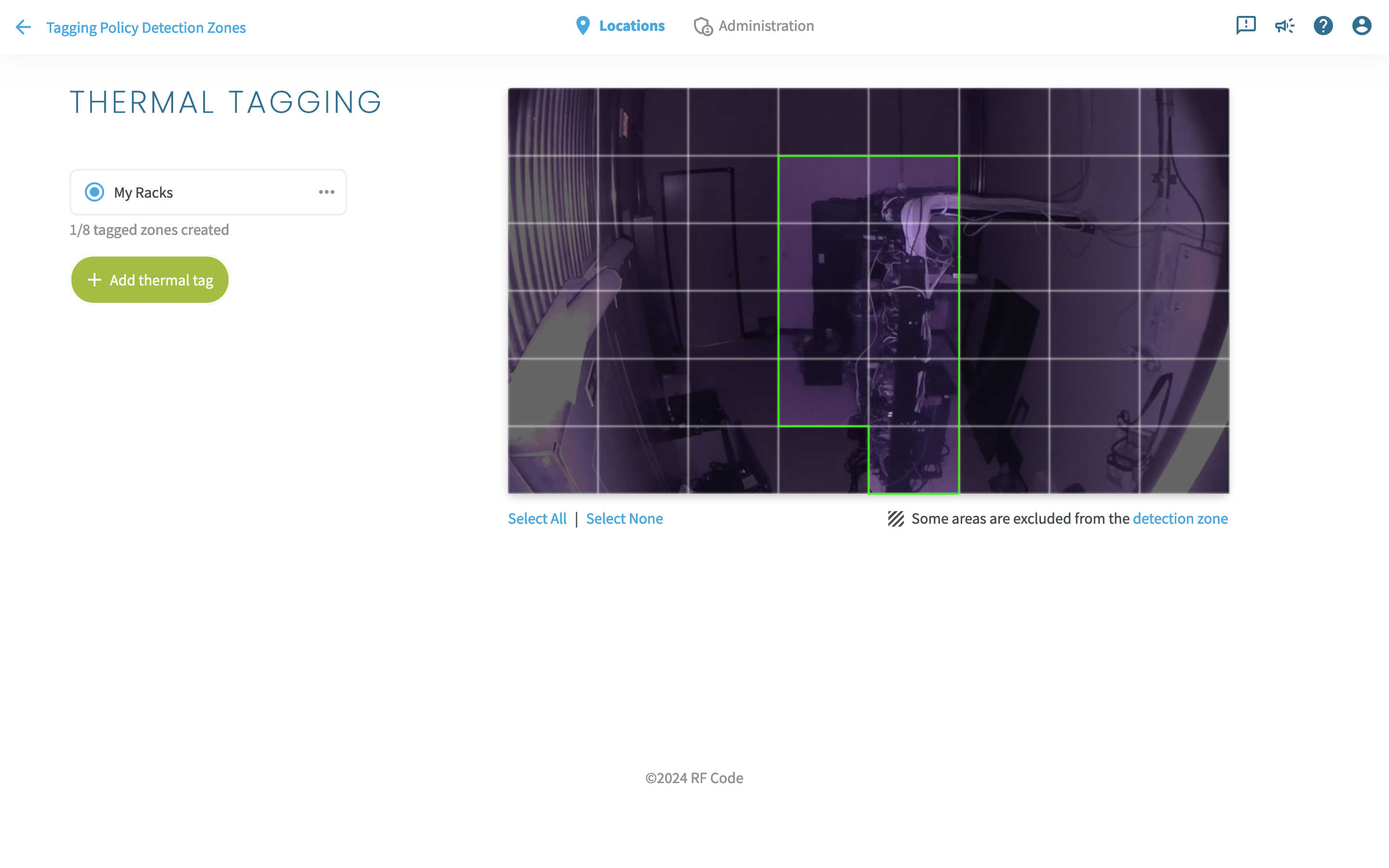
The Thermal Tagging menu enables you to define up to 8 areas of interest for focused thermal alerting. To use it:
- Click Add Thermal Tag to create a new tag.
- Use the radio button list to navigate between existing tags.
- Use the ellipsis menu on the right side of a tag to rename or delete it.
- The selection process mirrors that of Thermal Detection Zone: click or drag to include or exclude individual or multiple cells, or use the Select All and Select None options to quickly include or exclude all cells.
Alerts from tagged zones include the tag name, helping you prioritize and assess critical situations.
Note that areas excluded in the Thermal Detection Zone cannot be tagged.
Motion Detection Zone

Like Thermal Detection Zone, Motion Detection Zone allows you to include or exclude specific areas of your environment for thermal monitoring. To use it:
- Click individual cells to toggle their inclusion or exclusion.
- Click and drag to select or deselect multiple cells at once.
- Use the Select All and Select None options to quickly include or exclude all cells.
By leveraging these tools, you can customize your Sentry setup to ensure efficient and focused monitoring of your data centers and IT environments.
For further assistance or troubleshooting, please contact our support team.